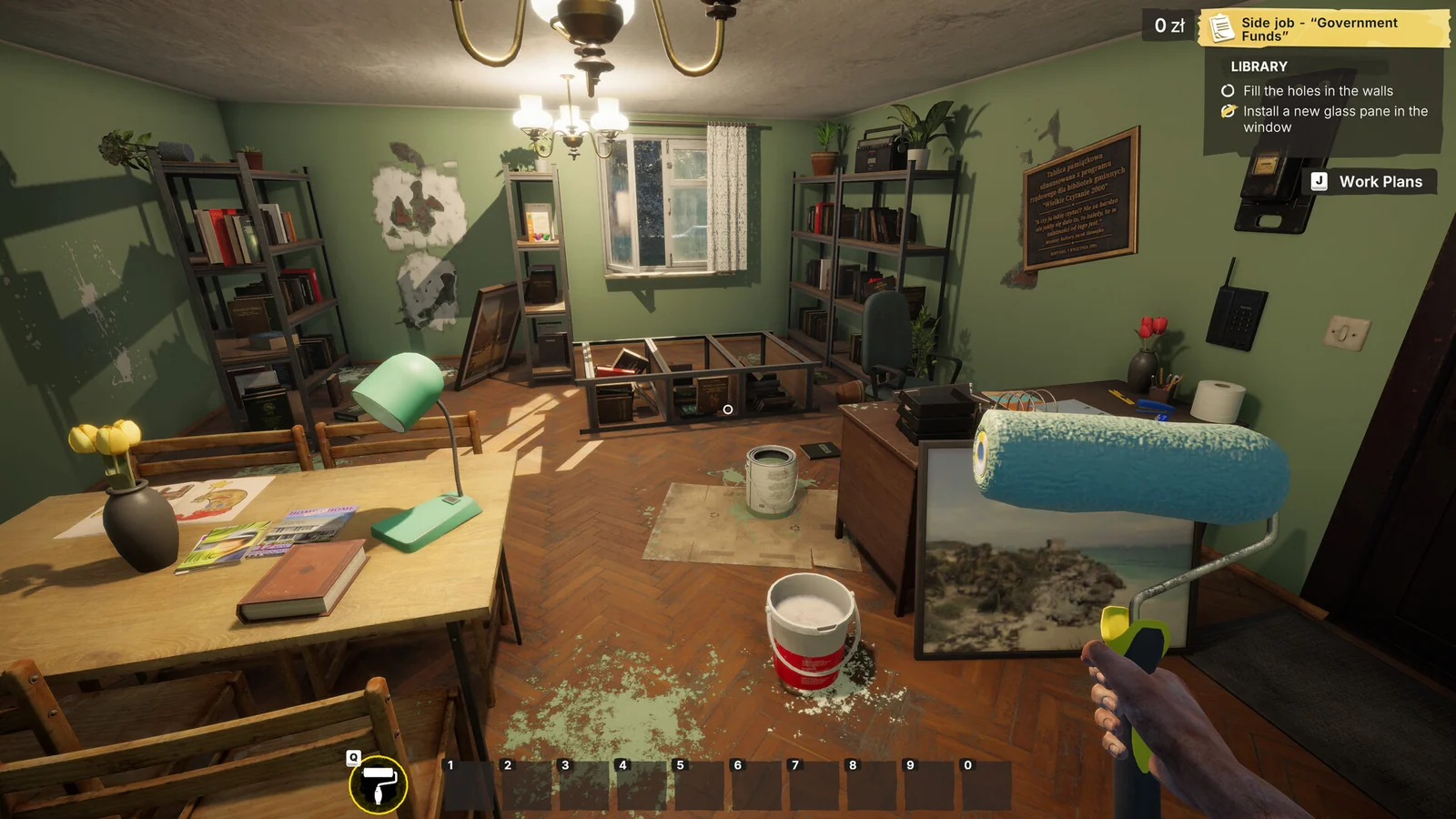
Start by reading the active Work Plans objective, checking the requested object or surface, and using the interaction prompt shown in your game. Keep supplies, optional collectibles and completion checks separate so a shopping mistake does not become a progression problem.
Start with the task
The game combines cleaning, painting, tiling, furniture work and electrical repairs. Read the current objective before buying supplies. Check what is already present at the job; there is no assumed starter inventory or universal material quantity here.
Keep one job record
Write the objective, item variant, supplies already owned and next action. Mark completion only when the objective changes, not because the room looks finished. The mission checklist stores your observations without inventing a walkthrough.
Check optional pickups before leaving
Collectibles have specific community-reported landmarks. Open the named job or collection entry before leaving if your current stage permits it. Story replay availability is not assumed.
When progress stops
Identify whether the problem began after loading, during assembly or when an objective changed. Preserve the failing save and compare the exact symptom before restarting anything.
Sources & build scope
Full release · official patch notes; not a local gameplay retest. Source review is separate from a gameplay test.
- Steam: full game ↗Tier A · Current store listing
- Gray2RGB: official announcements ↗Tier A · Launch through Update 6