Check adhesive, placement, cutting and the final objective tick separately. The official history distinguishes tiles disappearing without adhesive, falling below the map while cutting and nearby tiles breaking when the player stands up.
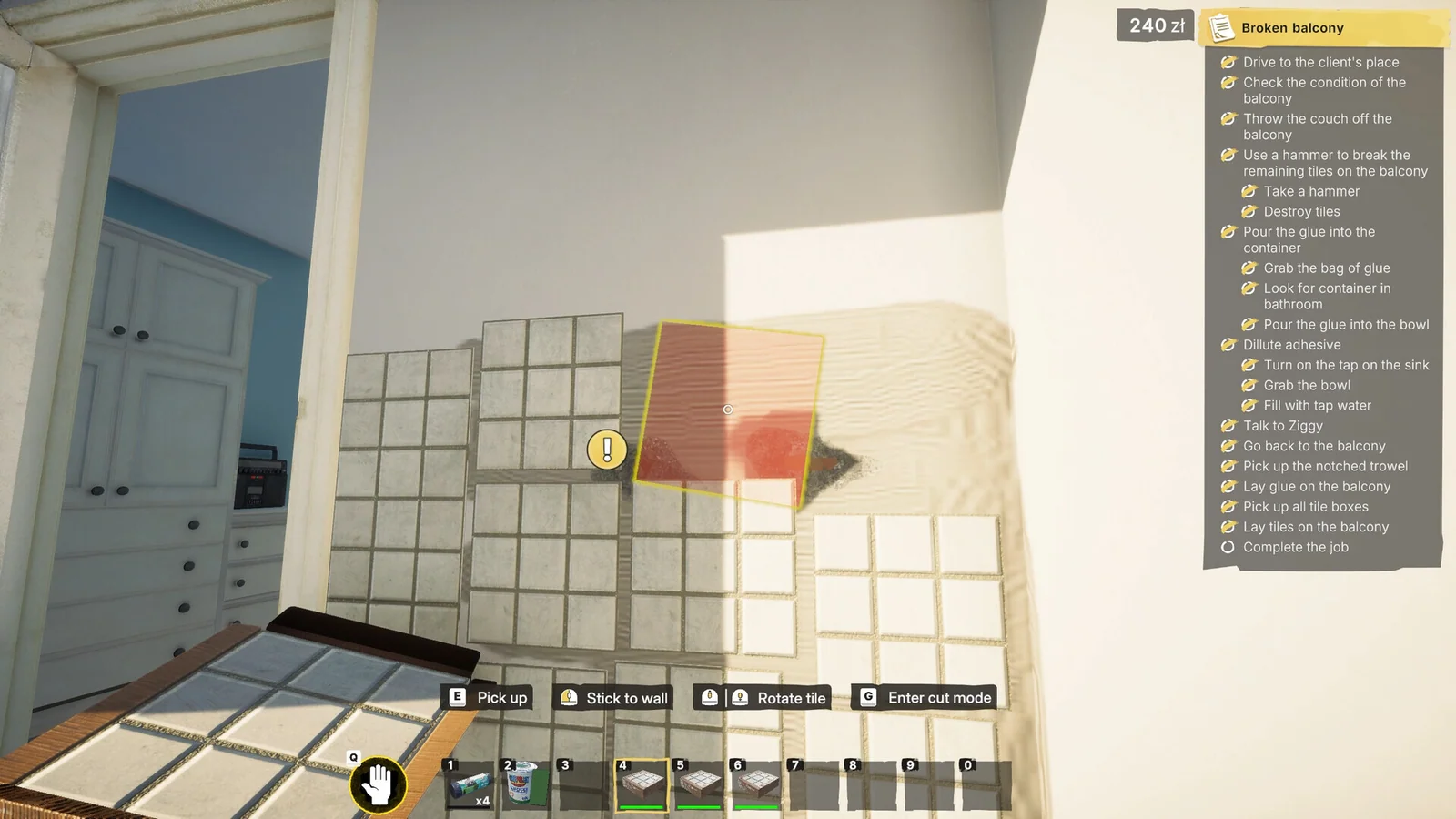
Match the surface and tile
Use the active objective to select the requested finish. Position and rotate using displayed controls; a screenshot's hotkeys may differ from your remapped setup.
Placement is not completion
A preview is not an installed tile. Confirm that placement leaves a finished surface and that the objective records it. Missing adhesive is different from an input that never registers.
Cutting around finished work
If cutting triggers a fall or automatic standing damages nearby tiles, preserve your prior save and identify the cutting location. Those symptoms have separate fix records.
Quantities
Record requirements and purchases from the current job. This guide does not publish untested coverage per package or universal waste percentages.
Sources & build scope
Full release · official patch notes; not a local gameplay retest. Source review is separate from a gameplay test.
- Steam: full game ↗Tier A · Current store listing
- Gray2RGB: official announcements ↗Tier A · Launch through Update 6